# Runway
# Runway AI概述
[](https://genai.thu.edu.tw/uploads/images/gallery/2024-08/YfAimage.png)
Runway AI是一個革命性的平台,利用先進的人工智能和機器學習技術來改變內容創作的方式。借助其創新的工具包,用戶可以直接從瀏覽器無縫生成和編輯視訊短片、圖像和3D內容。Runway AI將其工具分為生成式視訊、圖像和3D聲音。值得注意的工具包括:
- 視訊短片生成:使用文本、圖像或視頻剪輯製作視頻
- 圖像生成:僅用文字就能創造出令人驚嘆的圖像
- 圖像擴展:使用基於文本的提示輕鬆擴展任何圖像
- 圖像重新混合:立即重新配置任何圖像的風格和構圖
- 客製化人工智能培訓:對您的 AI 模型進行不同主題和藝術風格的教育
- 修補:輕鬆從視頻中刪除不需要的元素
- 超慢動作:無論每個畫面出現幀速率如何,將任何視訊短片轉換為超慢動作
- 綠幕遮罩:輕鬆刪除任何視訊短片的背景
# Runway的使用方式
#### Runway AI的使用方法
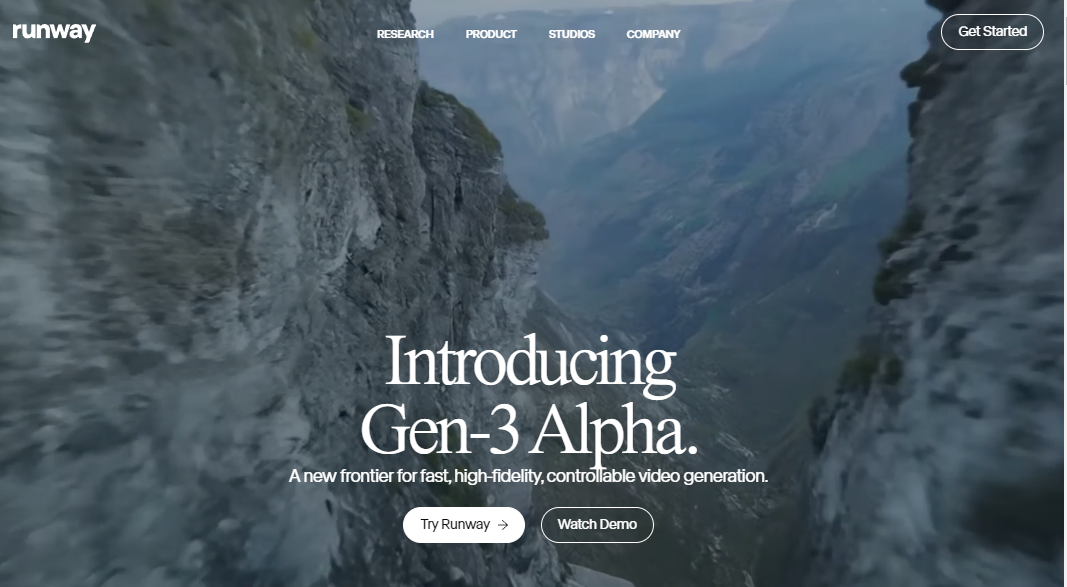
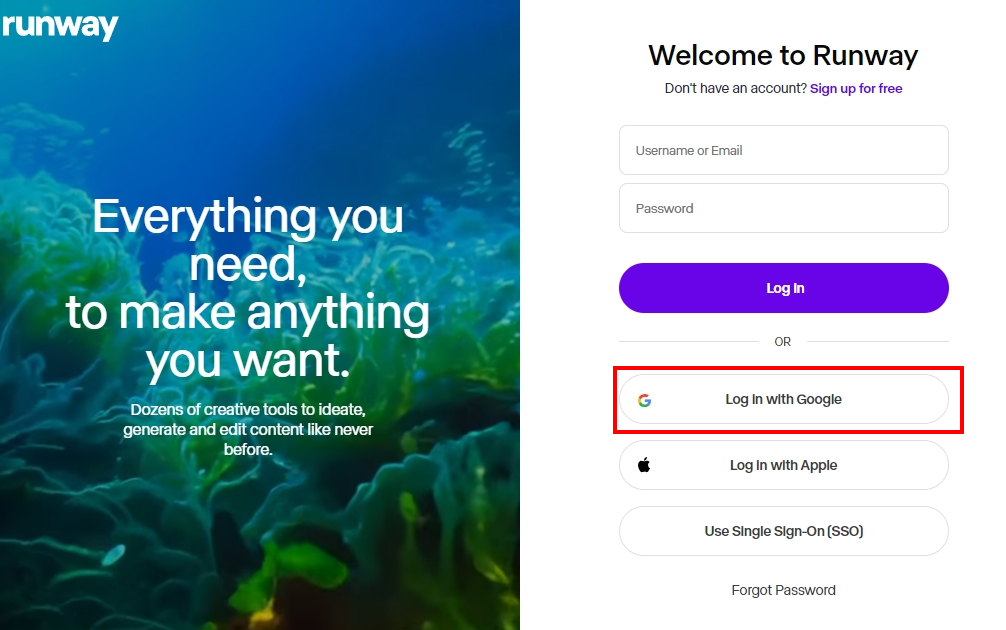
##### Step 1. 在瀏覽器中輸入 Runway AI 的網址 https://runwayml.com/ ,然後點擊首頁上的「試用 Runway 免費版」進行註冊
你也可以使用 Google 或 Apple 帳戶註冊。
[](https://genai.thu.edu.tw/uploads/images/gallery/2024-08/eglimage.png)
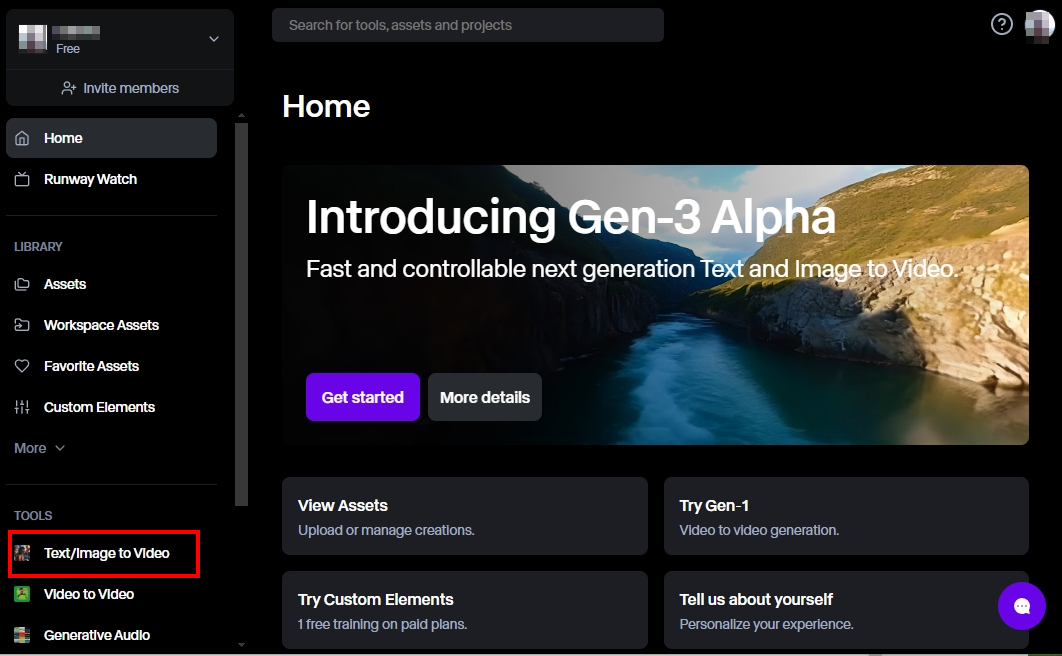
##### Step 2. 進入 Runway AI 的首頁
首頁上面列出了不同的功能和教學流程,還有其他人用 Runway 創作的作品。在主頁的上方,有一個資源檔案夾,你可以在其中存放所有你保存過的素材。主頁的左邊是編輯器,你可以在這裡創作和編輯你的圖片、影片和音訊。
[](https://genai.thu.edu.tw/uploads/images/gallery/2024-08/vAdimage.png)
##### Step 3. 選擇左下角的 Text/Image to Video 或 Video to Video
##### 文字生成圖片
Runway的文字生成圖片功能允許使用者輸入描述性文字,並將其轉換成高質感的圖片。例如,輸入一段描述戰鬥機器人的文字,Runway可以快速生成對應的圖像,這不僅為創作者提供了無限的創意空間,也為非專業用戶提供了接觸複雜圖像設計的機會。
[](https://genai.thu.edu.tw/uploads/images/gallery/2024-08/PZ9image.png)
[](https://genai.thu.edu.tw/uploads/images/gallery/2024-08/KPZimage.png)
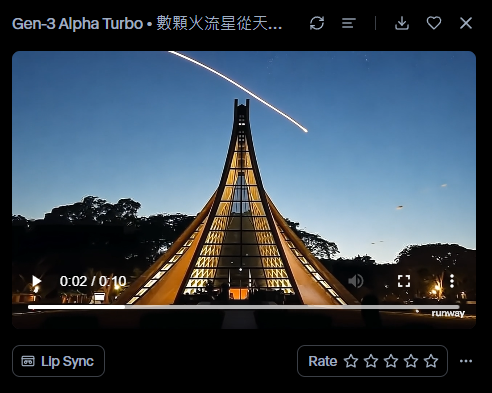
產生影片如下:
[](https://app.runwayml.com/creation/df66180d-8d19-4d54-9a61-f75333c08e0e)
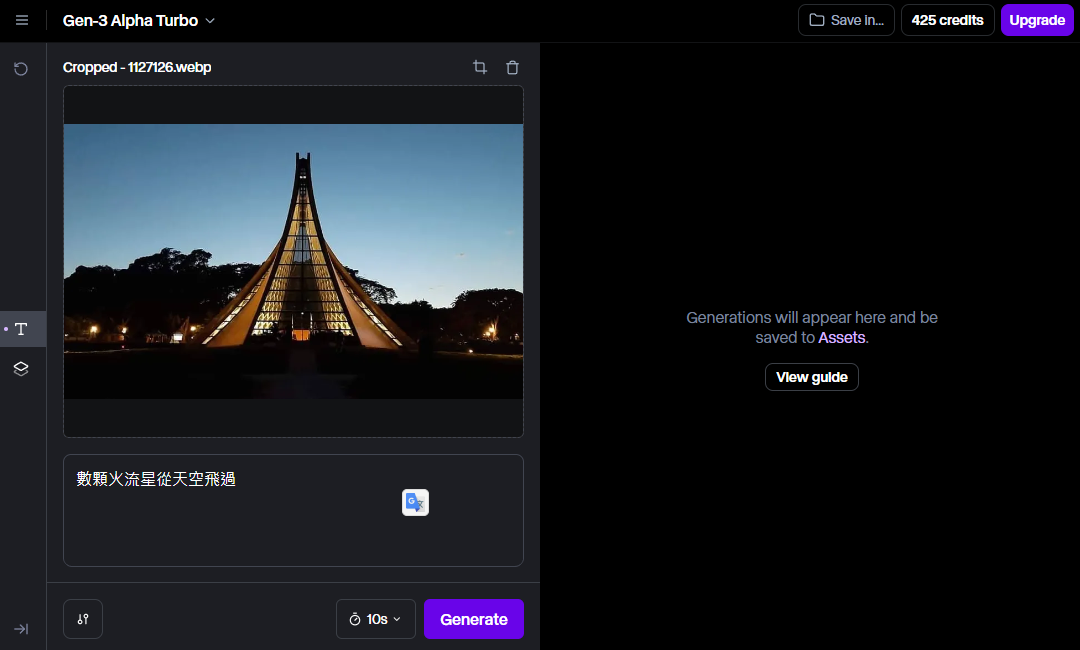
##### 圖片生成影片
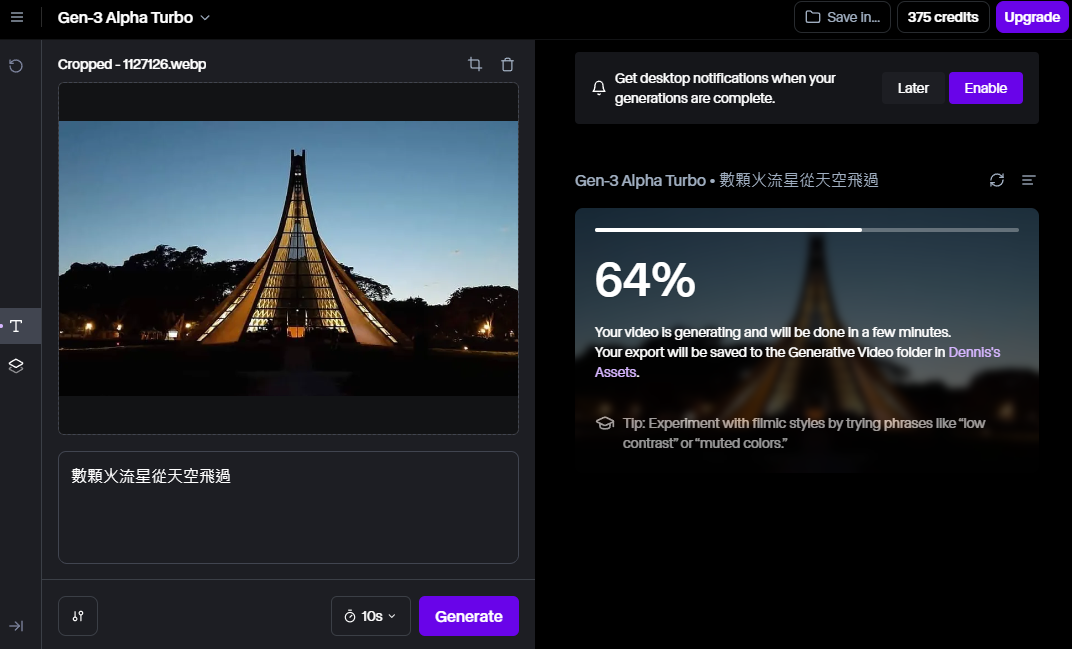
進一步地,Runway還能夠將靜態圖片轉變為動態影片,這一點對於需要製作動畫或動態展示的用戶尤為重要。使用者可以選擇不同的效果和動畫,使得原本平面的圖像生動起來,提高視覺吸引力。