# 如何使用Moonshot
#### 加 Moonshot 為Line的好友
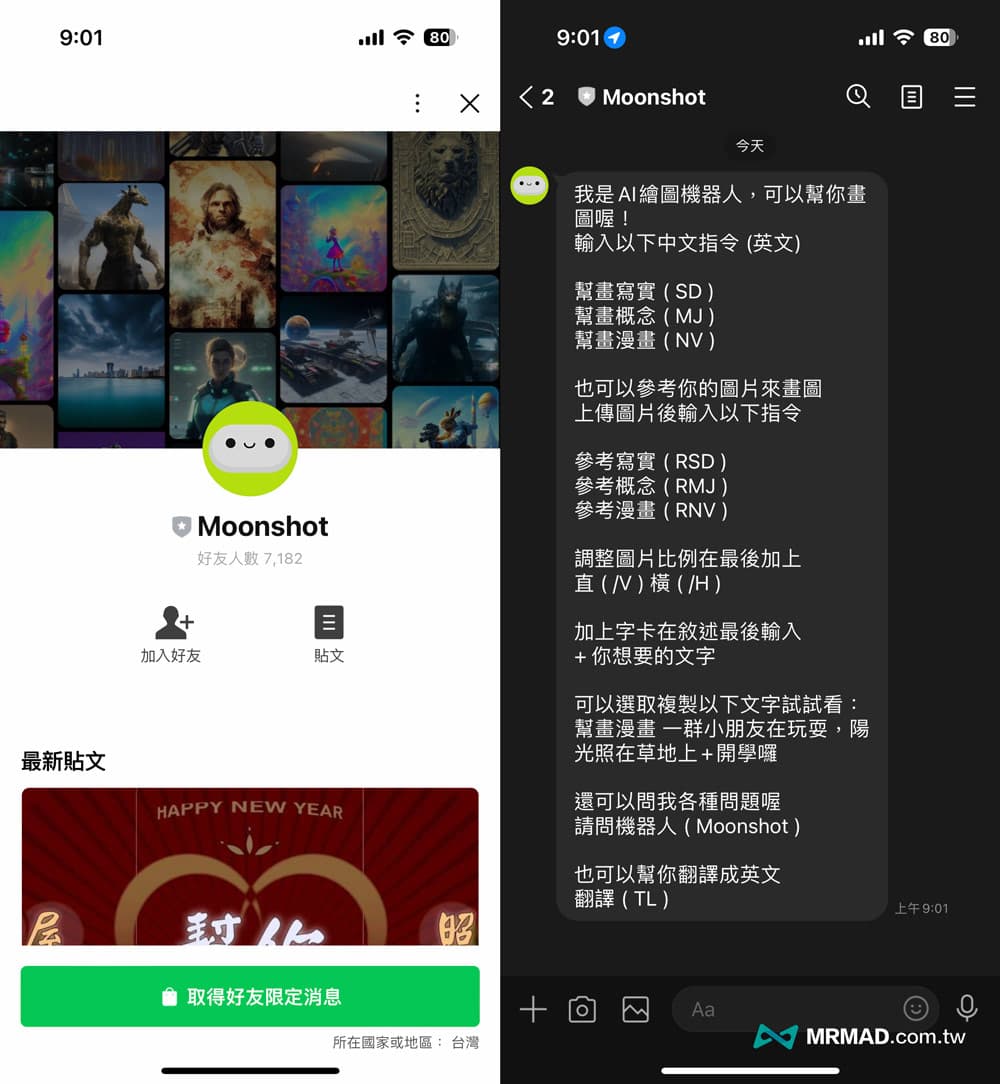
想使用 Moonshot LINE 機器人,就需要搭配 LINE 才能夠使用,可以透過底下教學步驟參與 Moonshot AI 繪圖公測:
1. 開啟 [Moonshot LINE官方帳號](https://liff.line.me/1645278921-kWRPP32q/?accountId=251vgtut)
2. 點選「加入好友」並選擇「聊天」
3. 開始使用 Moonshot 繪圖機器人功能
#### 使用LINE Moonshot 機器人
##### Step 1. 選擇要產生的圖片風格
Moonshot Line 繪圖機器人能夠依照中文指令產出「**寫實、概念、漫畫**」三種不同風格,而且還能夠自訂圖片比例,只要利用底下中文或英文風格指令,告訴機器人要畫出什麼。
- 幫畫寫實 (SD)
- 幫畫概念 (MJ)
- 幫畫漫畫 (NV)
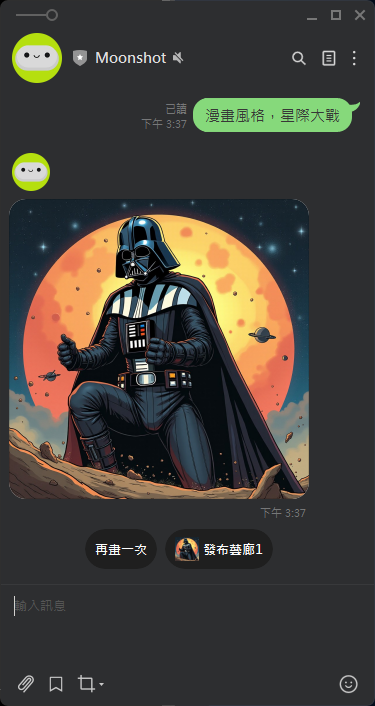
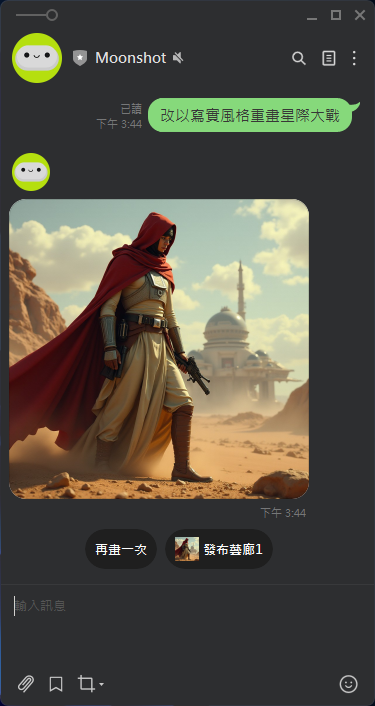
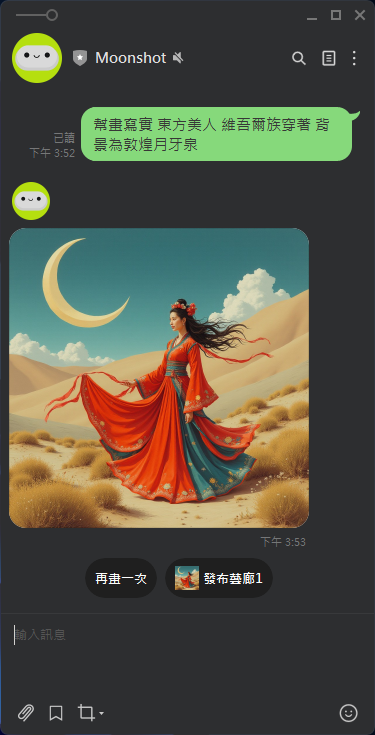
像是只要在 LINE 聊天室內輸入「`幫畫xx(空格)描述`」,就能夠透過 Moonshot AI 產生出你想要的圖片,而且會提供四張不同畫面的圖片讓你下載。
例如: 「漫畫風格,星際大戰」
[](https://genai.thu.edu.tw/uploads/images/gallery/2024-09/jjiimage.png)
[](https://genai.thu.edu.tw/uploads/images/gallery/2024-09/wE9image.png)
[](https://genai.thu.edu.tw/uploads/images/gallery/2024-09/Zj6image.png)
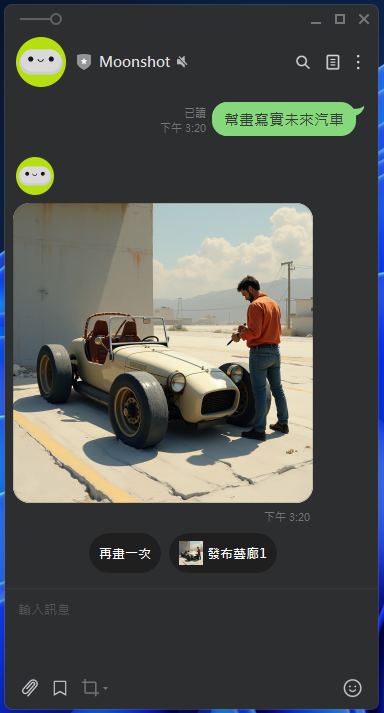
又例如想要找一些未來汽車圖片,可以在 LINE Moonshot 聊天室內輸入「`幫畫寫實 未來汽車`」,過幾秒後就會看見由 AI 產生的圖片。
[](https://genai.thu.edu.tw/uploads/images/gallery/2024-09/image.png)
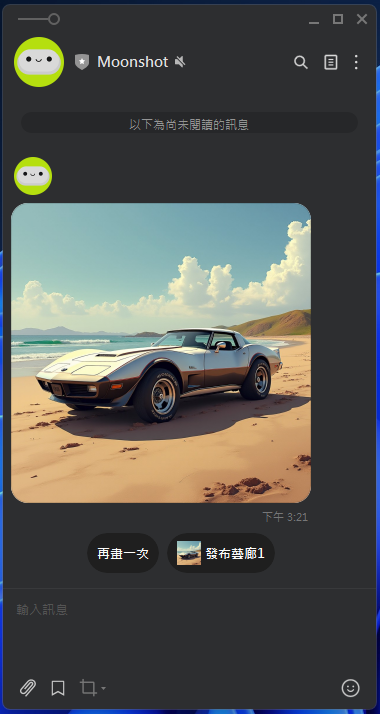
可以選擇再畫一次,出現
[](https://genai.thu.edu.tw/uploads/images/gallery/2024-09/cKqimage.png)
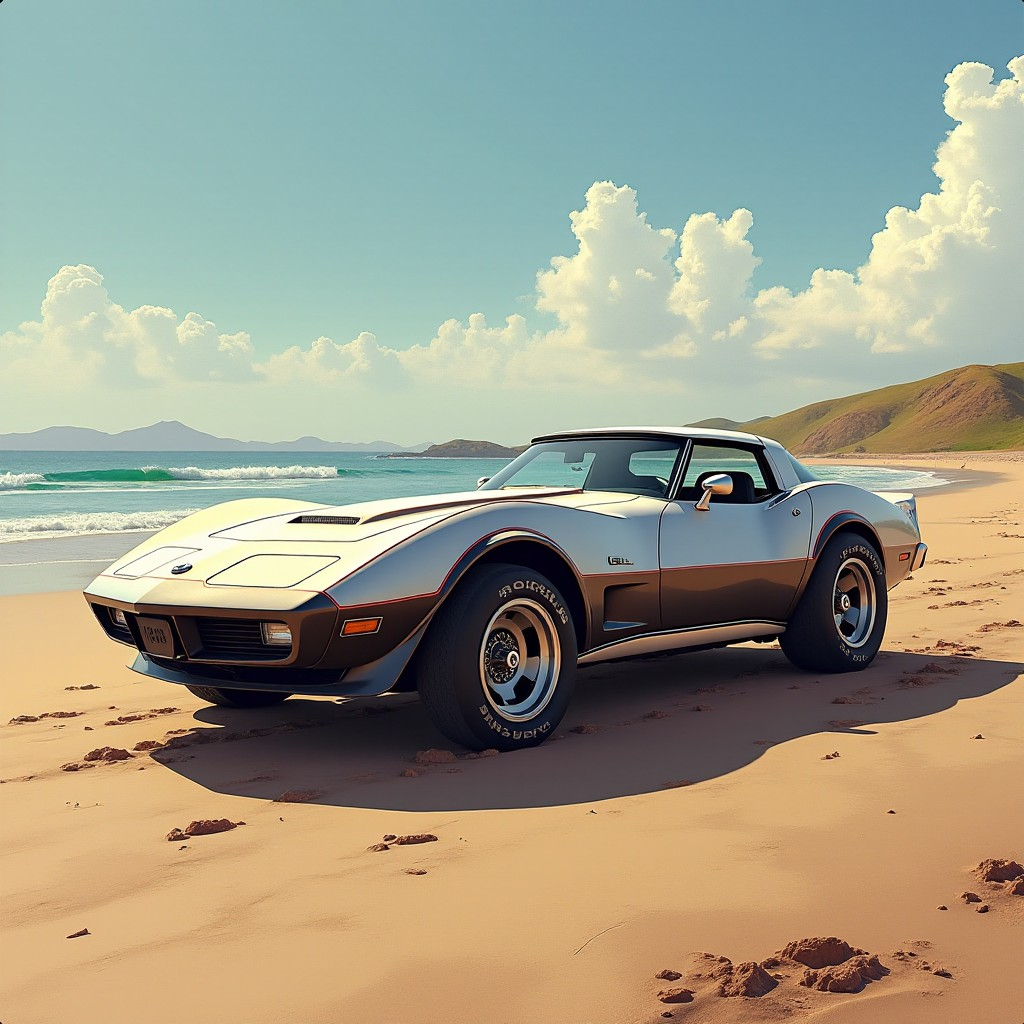
改以瀏覽器觀看可得到下圖
[](https://genai.thu.edu.tw/uploads/images/gallery/2024-09/G13image.png)
##### Step 2. 以既有圖片產生新風格圖片
Moonshot 還可以參考照片產生出類似的三種不同畫風圖片,同樣可以利用寫實、概念、漫畫三種指令來達成,像是你想要將實景照片改為手繪或概念圖片,就可以利用這方法來實現,需要先將圖片上傳到 LINE Moonshot 聊天視窗內,並且搭配底下三種 Moonshot 指令:
- 參考寫實 (RSD)
- 參考概念 (RMJ)
- 參考漫畫 (RNV)
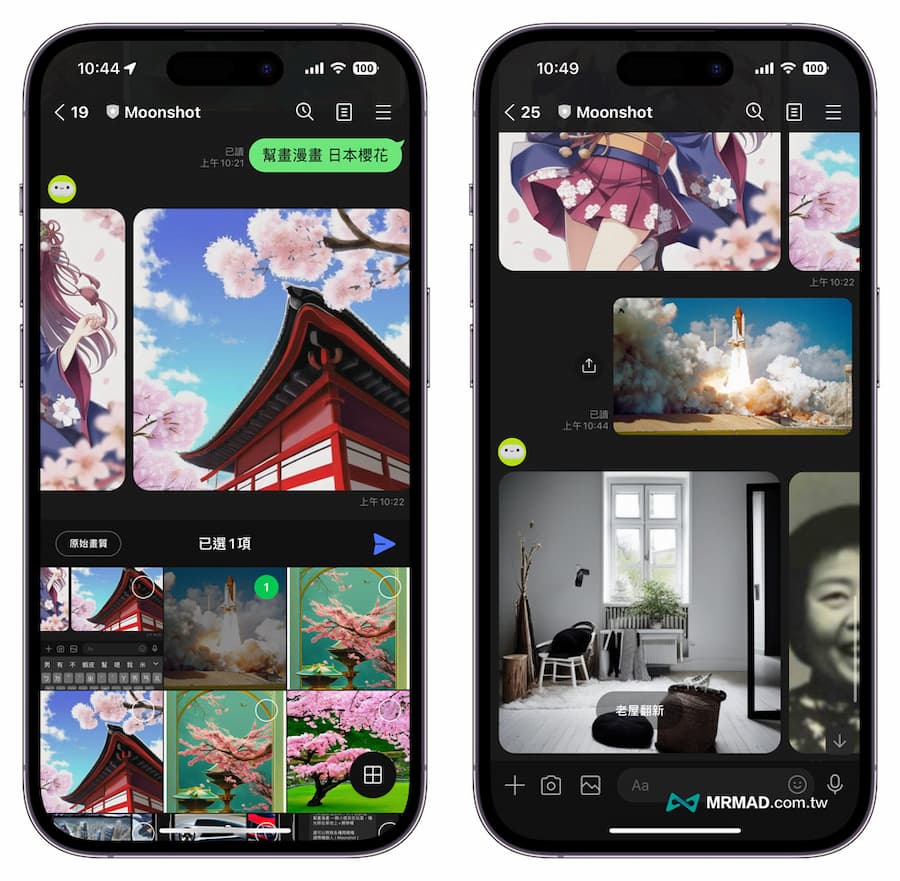圖片上傳後,就可以輸入想要的風格指令搭配文字描述
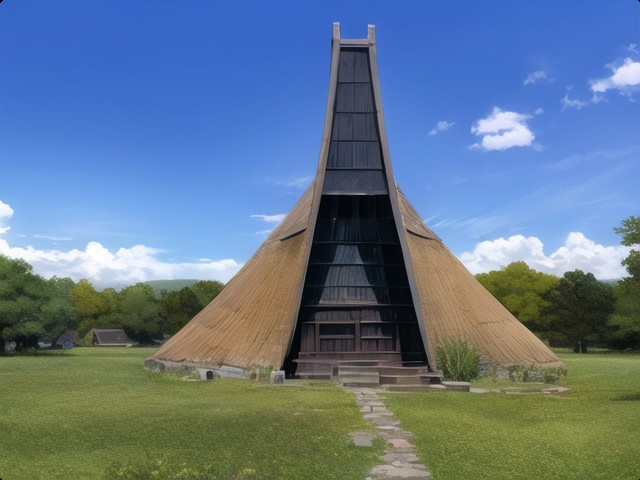
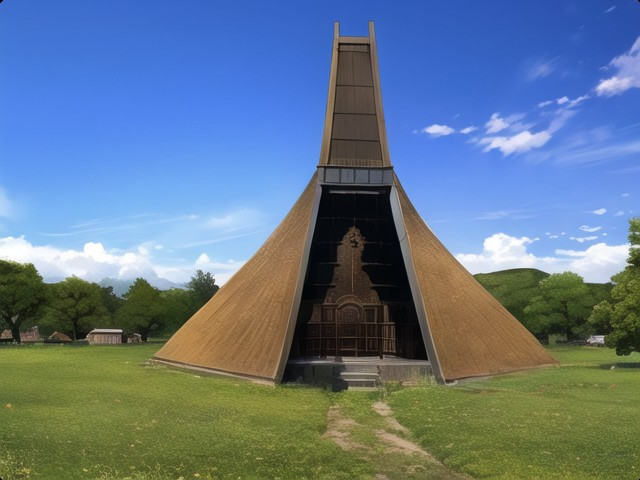
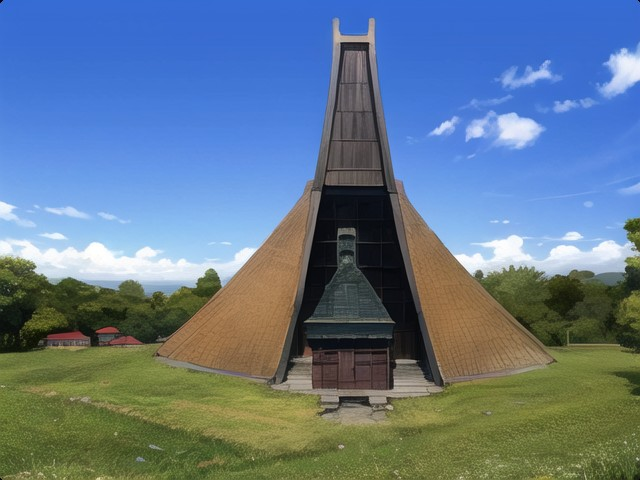
提示語:參考漫畫 用手繪方式畫東海教堂
[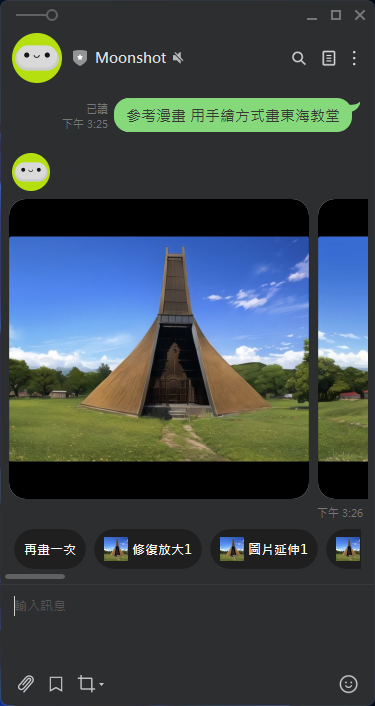](https://genai.thu.edu.tw/uploads/images/gallery/2024-09/iCaimage.png)
產生的圖如下(三張)
[](https://genai.thu.edu.tw/uploads/images/gallery/2024-09/yFdimage.png)