# Microsoft Designer

# 什麼是 Microsoft Designer

[![image.png](https://genai.thu.edu.tw/uploads/images/gallery/2024-12/scaled-1680-/qxYimage.png)](https://genai.thu.edu.tw/uploads/images/gallery/2024-12/qxYimage.png)
#### 簡介

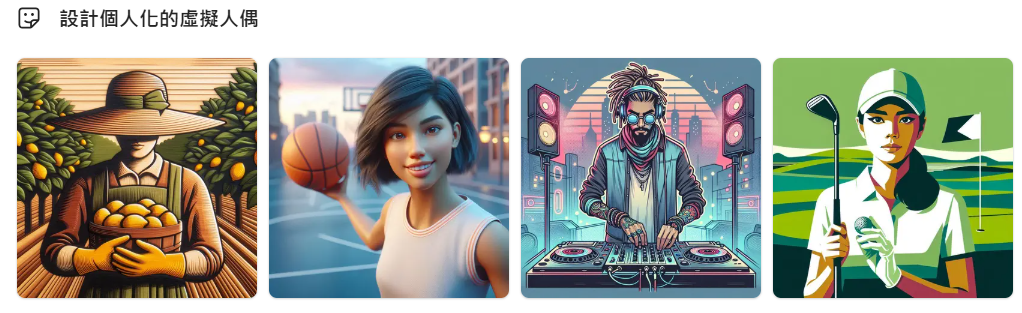
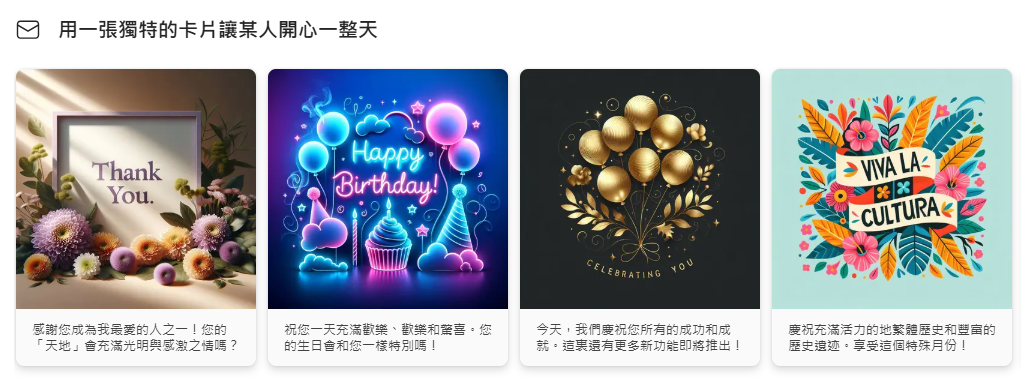
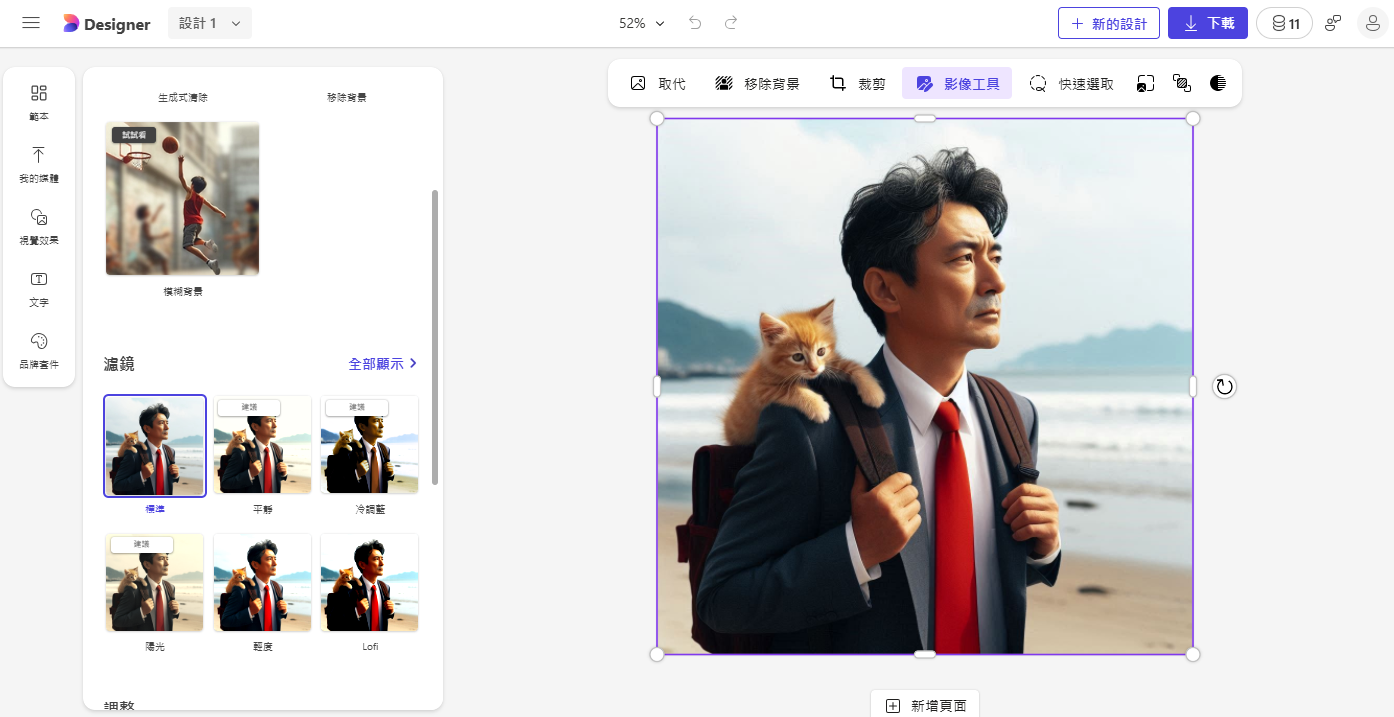
<span style="color: rgb(236, 240, 241);"><span style="font-size: 11pt; font-family: 'PingFang TC Regular', serif;">[Microsoft Designer ](https://designer.microsoft.com/)原名為 Bing Image Creator，可讓使用者可以輕鬆製作自己專屬的</span><span style="font-size: 11pt; font-family: 'PingFang TC Regular', serif;">封面圖片。這個功能豐富的工具提供了多種主題和樣式，讓使用者可以根據不同的場合和喜好進行選擇，如節日、旅遊、美食、寵物、生日等。此外，</span><span lang="EN-US" style="font-size: 11pt; font-family: 'PingFang TC Regular', serif;">Microsoft Designer </span><span style="font-size: 11pt; font-family: 'PingFang TC Regular', serif;">還具有自定義選項，使用者可以調整圖片的濾鏡、效果，選擇不同的字體風格和顏色，甚至添加特殊效果，使得封面圖片更具藝術感和獨特性。</span></span>

#### <span style="mso-fareast-font-family: 'PingFang TC Regular'; mso-ansi-language: ZH-TW;">作品範例</span>

![image.png](https://genai.thu.edu.tw/uploads/images/gallery/2024-12/scaled-1680-/DYrimage.png)

![image.png](https://genai.thu.edu.tw/uploads/images/gallery/2024-12/scaled-1680-/ybMimage.png)

#### Microsoft Designer 的優點

1. 可免費使用
2. 內建素材庫與簡易排版功能
3. 內建去背功能
4. 簡單的圖片加字、裁切圖片

# Microsoft Designer的功能整理

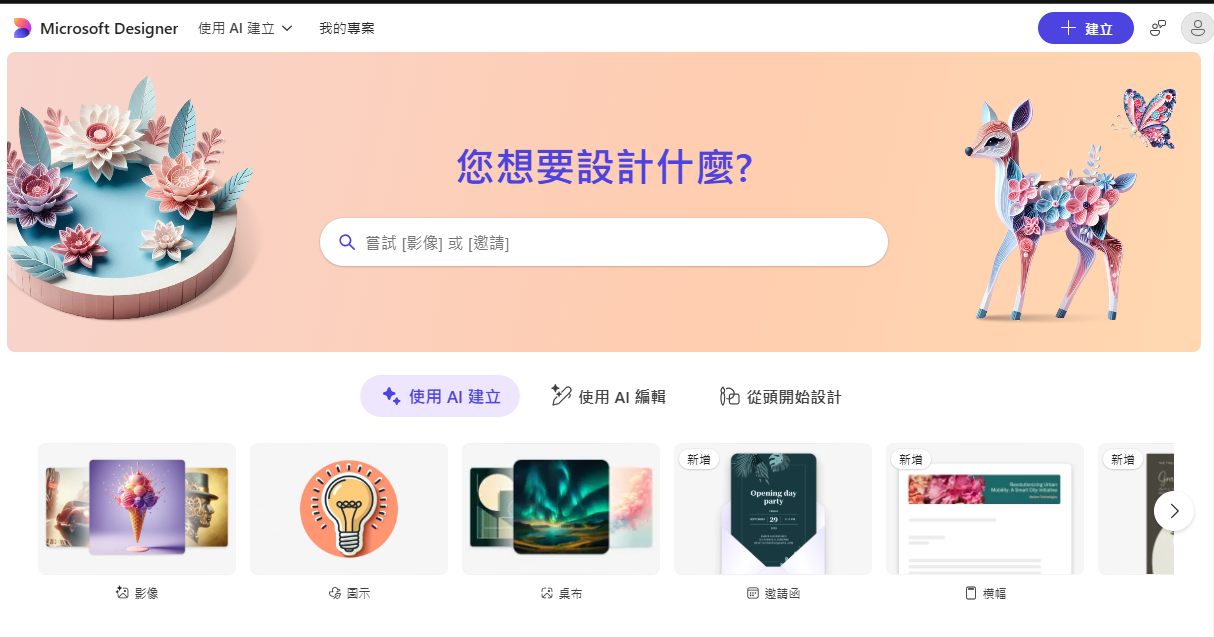
Designer App內提供多種模板，幫助使用者創建個性化賀卡、手機桌布和個人頭像等。Designer也內嵌「提示模板」，當用戶沒靈感時可以快速啟動創意。模板包含各種風格和描述，用戶可以自行調整，還能和他人分享，共同構建設計思路。此外，用戶也可以選擇從零設計自己的模版或作品，具備高度的創作自由。無論是新手還是專業人士都十分好上手。

#### AI圖像生成

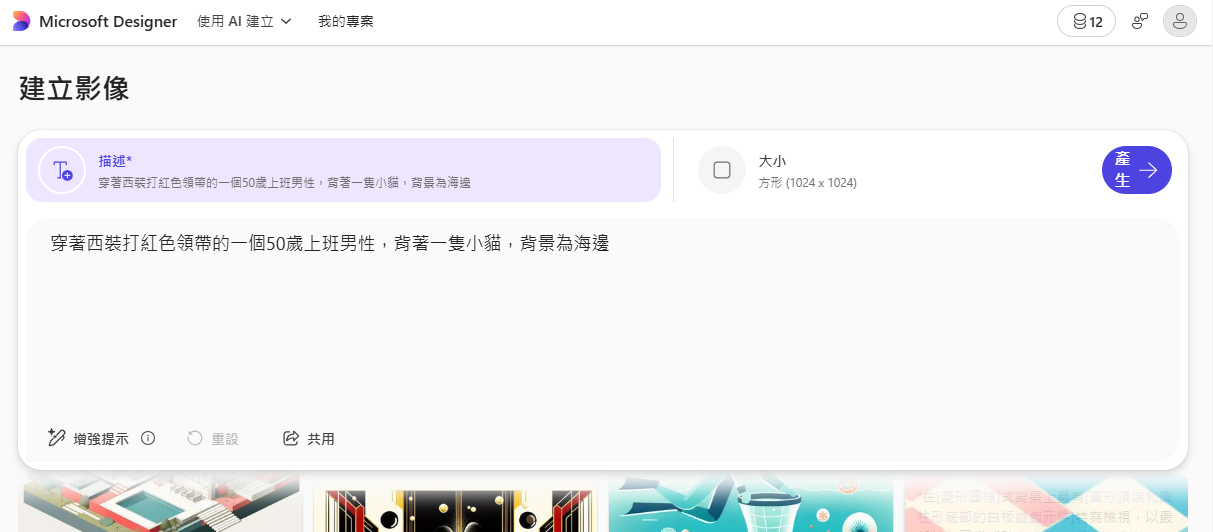
用戶可透過輸入文字描述、選擇圖像尺寸後產出圖片。

<div class="widget picture" id="bkmrk-%E5%9C%96%EF%BC%8F-%E5%BE%AE%E8%BB%9F" x-data="picture"><div class="wrapper"><div class="image_box"><picture class="image cursor" data-lmg="https://image-cdn.learnin.tw/bnextmedia/image/album/2024-07/img-1721285547-94022.jpg?w=1200&output=webp" data-title="圖片生成.jpg"><source media="(min-width: 1200px)" srcset="https://image-cdn.learnin.tw/bnextmedia/image/album/2024-07/img-1721285547-94022.jpg?w=1200&output=webp"><source media="(min-width: 400px)" srcset="https://image-cdn.learnin.tw/bnextmedia/image/album/2024-07/img-1721285547-94022.jpg?w=900&output=webp">![圖片生成.jpg](https://image-cdn.learnin.tw/bnextmedia/image/album/2024-07/img-1721285547-94022.jpg?w=600&output=webp)</source></source></picture></div><div class="inf"><div class="inf-head"><div class="from">圖／ 微軟</div></div></div></div></div>#### 客製化貼紙

除了可以AI生成圖像，Designer還能讓用戶透過描述生成貼紙，所生成的貼紙產出即是透明背景格式，方便使用者做後續創作使用。

<div class="widget picture" id="bkmrk-%E5%9C%96%EF%BC%8F-%E5%BE%AE%E8%BB%9F-1" x-data="picture"><div class="wrapper"><div class="image_box"><picture class="image cursor" data-lmg="https://image-cdn.learnin.tw/bnextmedia/image/album/2024-07/img-1721285849-59504.jpg?w=1200&output=webp" data-title="貼紙設計.jpg"><source media="(min-width: 1200px)" srcset="https://image-cdn.learnin.tw/bnextmedia/image/album/2024-07/img-1721285849-59504.jpg?w=1200&output=webp"><source media="(min-width: 400px)" srcset="https://image-cdn.learnin.tw/bnextmedia/image/album/2024-07/img-1721285849-59504.jpg?w=900&output=webp">![貼紙設計.jpg](https://image-cdn.learnin.tw/bnextmedia/image/album/2024-07/img-1721285849-59504.jpg?w=600&output=webp)</source></source></picture></div><div class="inf"><div class="inf-head"><div class="from">圖／ 微軟</div></div></div></div></div>#### 圖像風格重塑

 用戶也可以透過Designer重新設計圖像。例如，你可以上傳一張自拍照，然後從一組風格中進行選擇，並輸入想要呈現的風格來改造照片。

<div class="widget picture" id="bkmrk-%E5%9C%96%EF%BC%8F-%E5%BE%AE%E8%BB%9F-2" x-data="picture"><div class="wrapper"><div class="image_box"><picture class="image cursor" data-lmg="https://image-cdn.learnin.tw/bnextmedia/image/album/2024-07/img-1721286102-47294.jpg?w=1200&output=webp" data-title="圖像轉換.jpg"><source media="(min-width: 1200px)" srcset="https://image-cdn.learnin.tw/bnextmedia/image/album/2024-07/img-1721286102-47294.jpg?w=1200&output=webp"><source media="(min-width: 400px)" srcset="https://image-cdn.learnin.tw/bnextmedia/image/album/2024-07/img-1721286102-47294.jpg?w=900&output=webp">![圖像轉換.jpg](https://image-cdn.learnin.tw/bnextmedia/image/album/2024-07/img-1721286102-47294.jpg?w=600&output=webp)</source></source></picture></div><div class="inf"><div class="inf-head"><div class="from">圖／ 微軟</div></div></div></div></div>#### 免費版每日可使用15次

Designer免費版目前每日擁有15次的使用次數。若用戶訂閱Copilot Pro，則每日有100次使用次數。Pro用戶的Designer圖像也可以連結到Microsoft Word和PowerPoint文件中。

# 如何使用Microsoft Designer

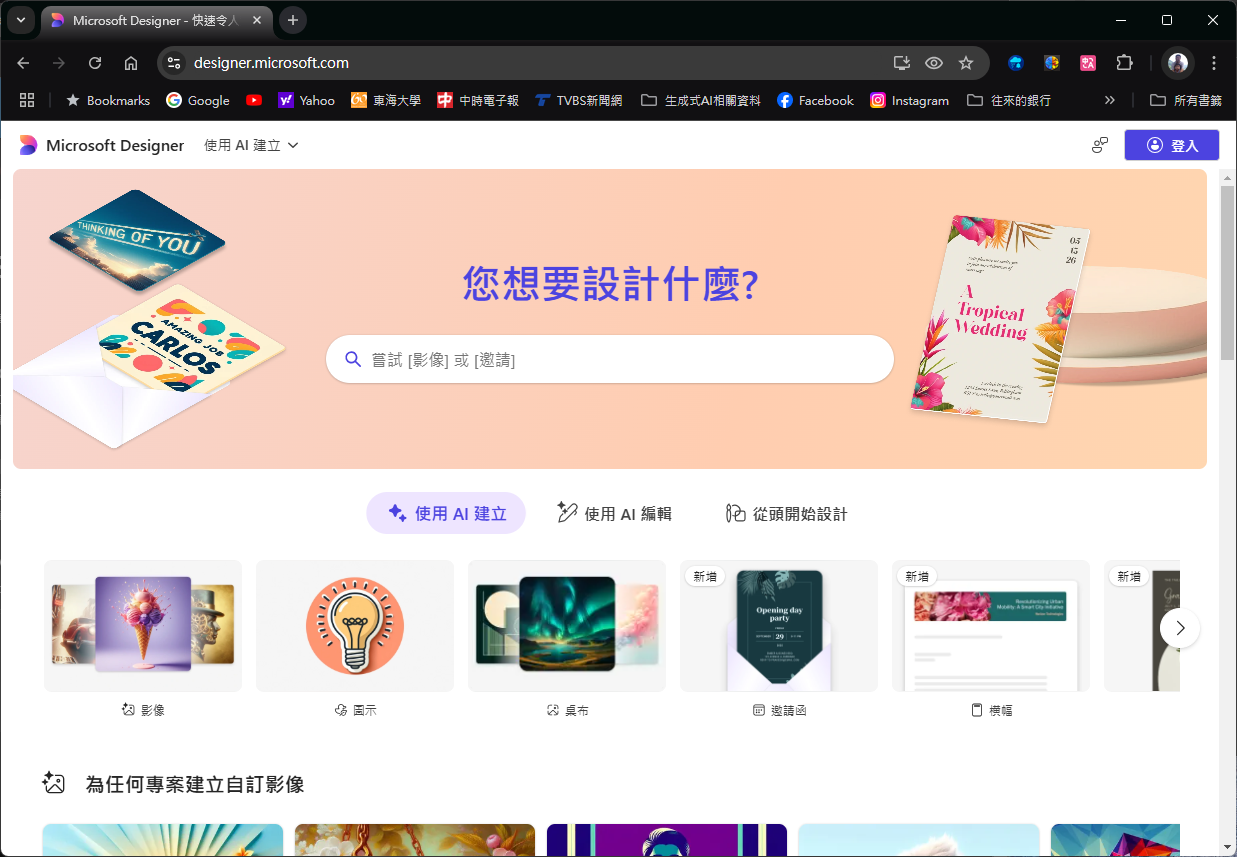
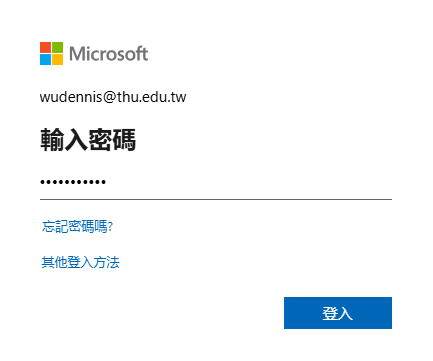
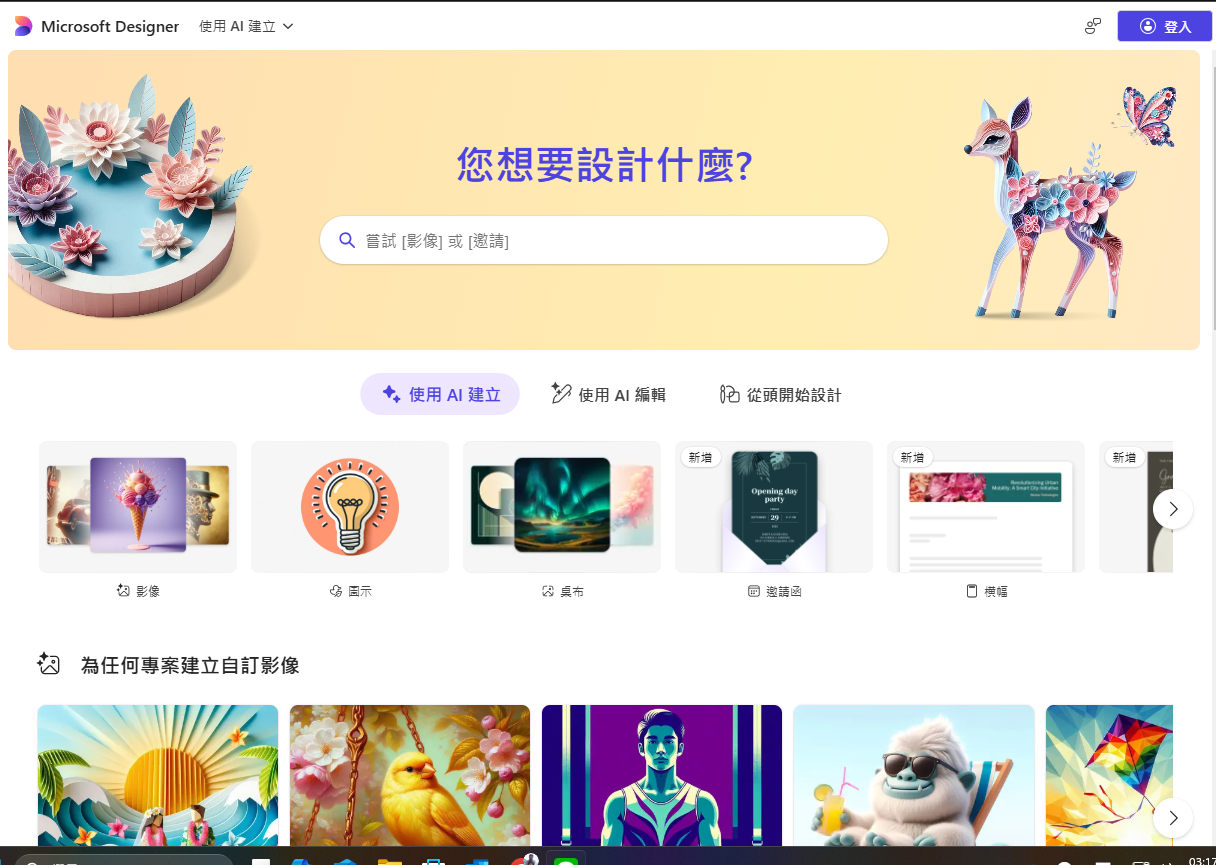
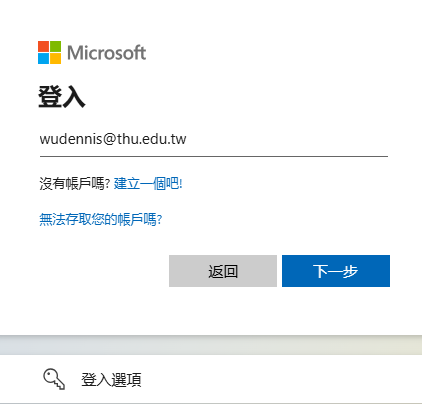
#### Step 1. 先以Microsoft帳號（個人帳號，非tDrive帳號）登入，

[![image.png](https://genai.thu.edu.tw/uploads/images/gallery/2024-12/scaled-1680-/nqAimage.png)](https://genai.thu.edu.tw/uploads/images/gallery/2024-12/nqAimage.png)
![image.png](https://genai.thu.edu.tw/uploads/images/gallery/2024-12/scaled-1680-/QYjimage.png)

![image.png](https://genai.thu.edu.tw/uploads/images/gallery/2024-12/scaled-1680-/jukimage.png)

![image.png](https://genai.thu.edu.tw/uploads/images/gallery/2024-12/scaled-1680-/jXCimage.png)

#### Step 2. 輸入文字描述（提示語），就能夠快速生成出圖片（範例如下）

![image.png](https://genai.thu.edu.tw/uploads/images/gallery/2024-12/scaled-1680-/YEEimage.png)

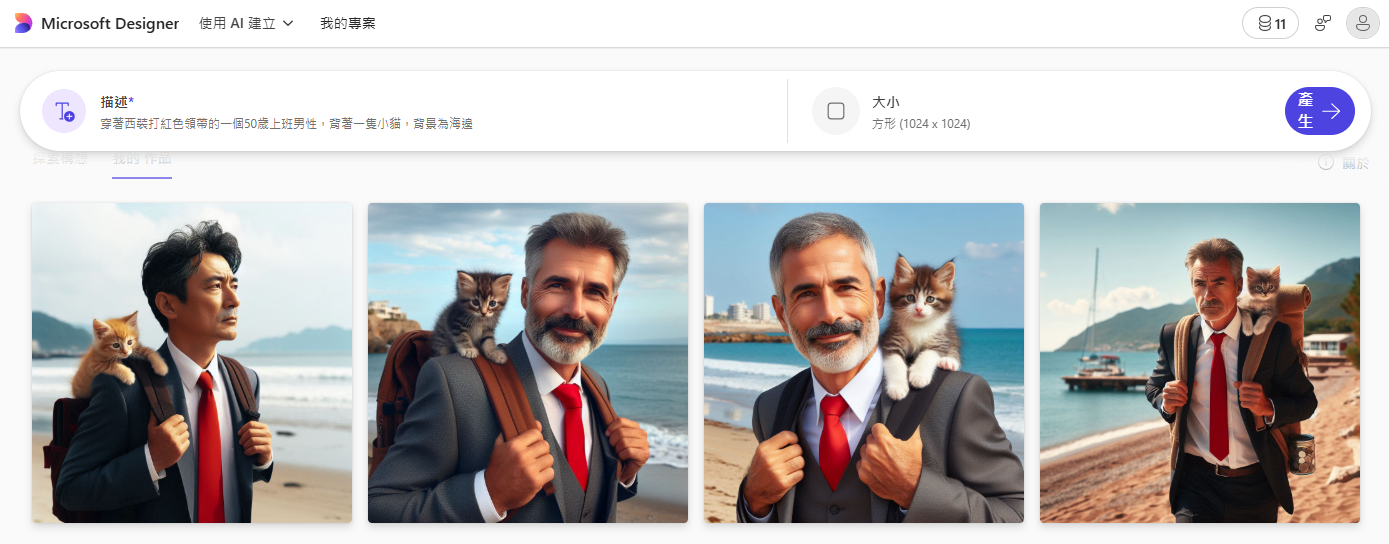
#### Step 3. 輸入完成後，按下「Generate」就會利用生成式 AI 技術產生出四張圖片

![image.png](https://genai.thu.edu.tw/uploads/images/gallery/2024-12/scaled-1680-/Hpiimage.png)

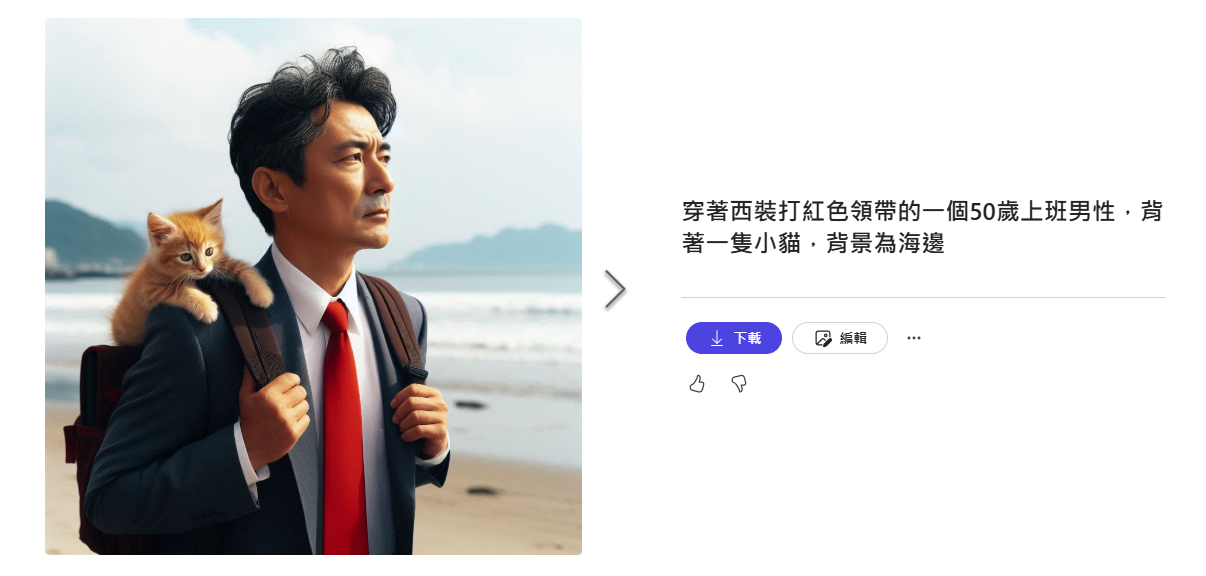
#### Step 4. 選擇其中一張，可以下載存檔使用。要是想調整照片風格可以點「編輯」修改

![image.png](https://genai.thu.edu.tw/uploads/images/gallery/2024-12/scaled-1680-/XLtimage.png)

<span style="font-family: -apple-system, BlinkMacSystemFont, 'Segoe UI', Oxygen, Ubuntu, Roboto, Cantarell, 'Fira Sans', 'Droid Sans', 'Helvetica Neue', sans-serif; font-size: 14px; font-style: normal; font-variant-ligatures: normal; font-variant-caps: normal; font-weight: 400;">如果想進一步替圖片加入文字或是線上美化，可以點「新構想」。在修改完成後，點擊右上角「下載」就能夠將圖片以 PNG、JPG或PDF格式下載回來，或以「編輯」繼續處理圖片。</span>

![image.png](https://genai.thu.edu.tw/uploads/images/gallery/2024-12/scaled-1680-/wrdimage.png)