# 如何註冊Leonardo AI
#### 註冊 Leonardo.AI
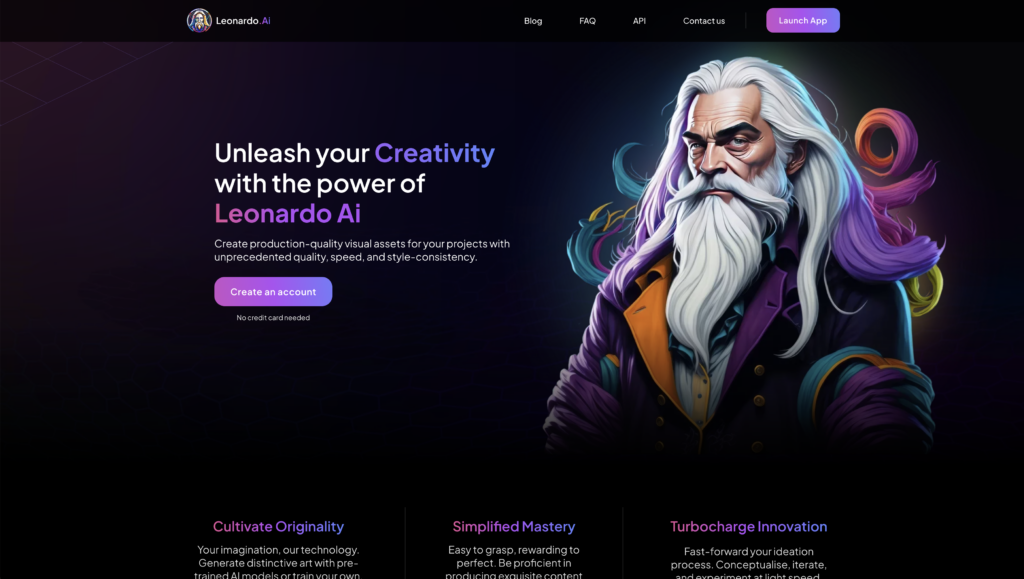
來到官方網站的首頁,點選右上角的「Launch APP」,或是正中間的「Create an account」按鈕。
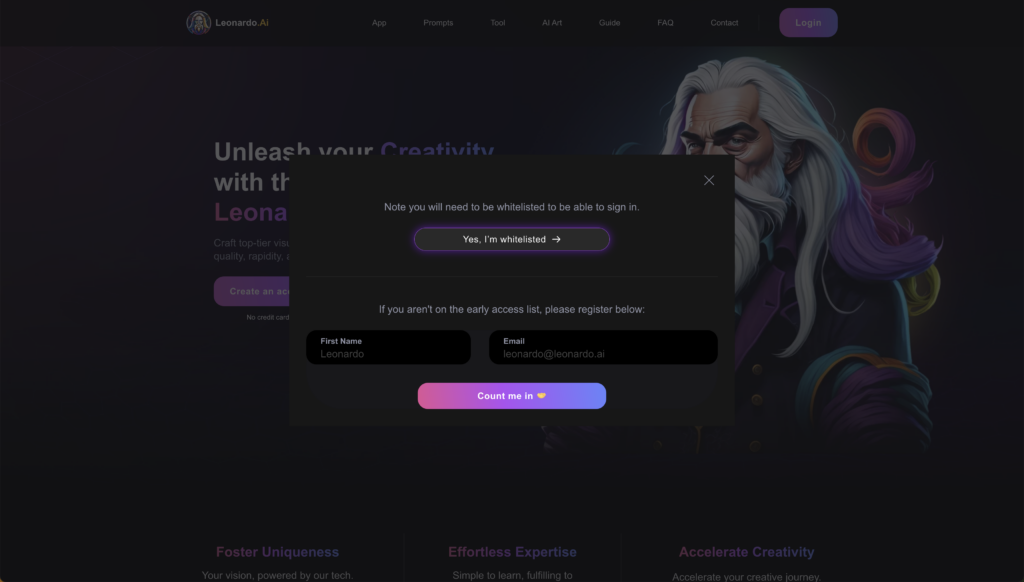
[](https://learnai.tw/wp-content/uploads/2024/01/Leonardo.AI-11.png)選擇上面的「Yes, I’m whitelisted」按鈕。
[](https://learnai.tw/wp-content/uploads/2024/01/Leonardo.AI-5.png)就會跳轉到登入的頁面,登入可以選擇 Apple、Google、Microsoft 帳戶登入或是其他使用 Email 登入。
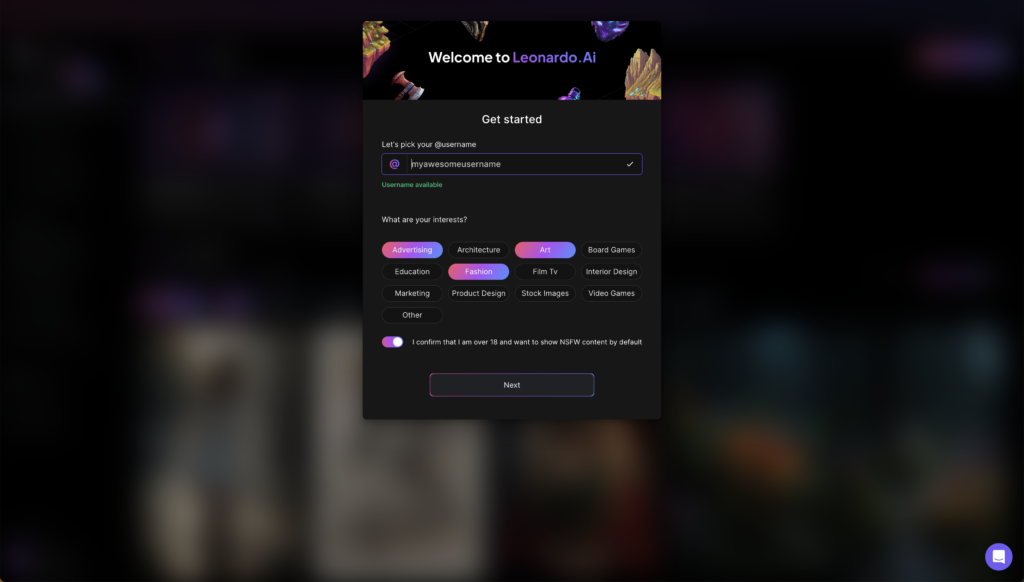
[](https://learnai.tw/wp-content/uploads/2024/01/Leonardo.AI-4.png)接著填寫用戶名稱、點選感興趣的項目、打開選項開關並按下「Next」即可。
[](https://learnai.tw/wp-content/uploads/2024/01/Leonardo.AI-3.png)接下來就會進入主要的 Leonardo.AI 介面了。
[](https://learnai.tw/wp-content/uploads/2024/01/Leonardo.AI-2.png)左邊的側欄列,依序是:
1. **代幣數量**:每日 150 代幣
2. **Home**:首頁
3. **Community Feed**:其他用戶公開分享生成的圖片
4. **Personal Feed**:個人作品
5. **Training & Datasets**:個人訓練的模型和資料
6. **Finetuned Models**:所有模型,有 45 種模型
7. **AI Image Generation**:AI 圖片生成
8. **Realtime Canvas**:即時畫布
9. **Realtime Gen**:即時生成
10. **Canvas Editor**:畫布編輯
11. **Texture Generation**:3D 材質圖片生成
12. **API Access**:使用 API 串接 Leonardo.AI
13. **Setting**:使用者設定
14. **FAQ & Help**:教學說明